

Elementor in 2026: My Experience Learning to Design Websites as a Beginner
- Yousuf Baloch
- May 15, 2026
- 7:29 pm
Some links on this Website may be affiliate links. This means we may earn a small commission at no extra cost to you. We only recommend tools that we genuinely believe are practical and useful.
Elementor Review 2026
From WordPress to Website Design: My Next Challenge
When I started feeling confident about building my first website, I wanted it to look good and feel eye-catching at the same time. Although I had already started learning WordPress, I still found the design part a bit confusing. I needed an easier and more visual way to design my pages.
So once again, the search for answers began.
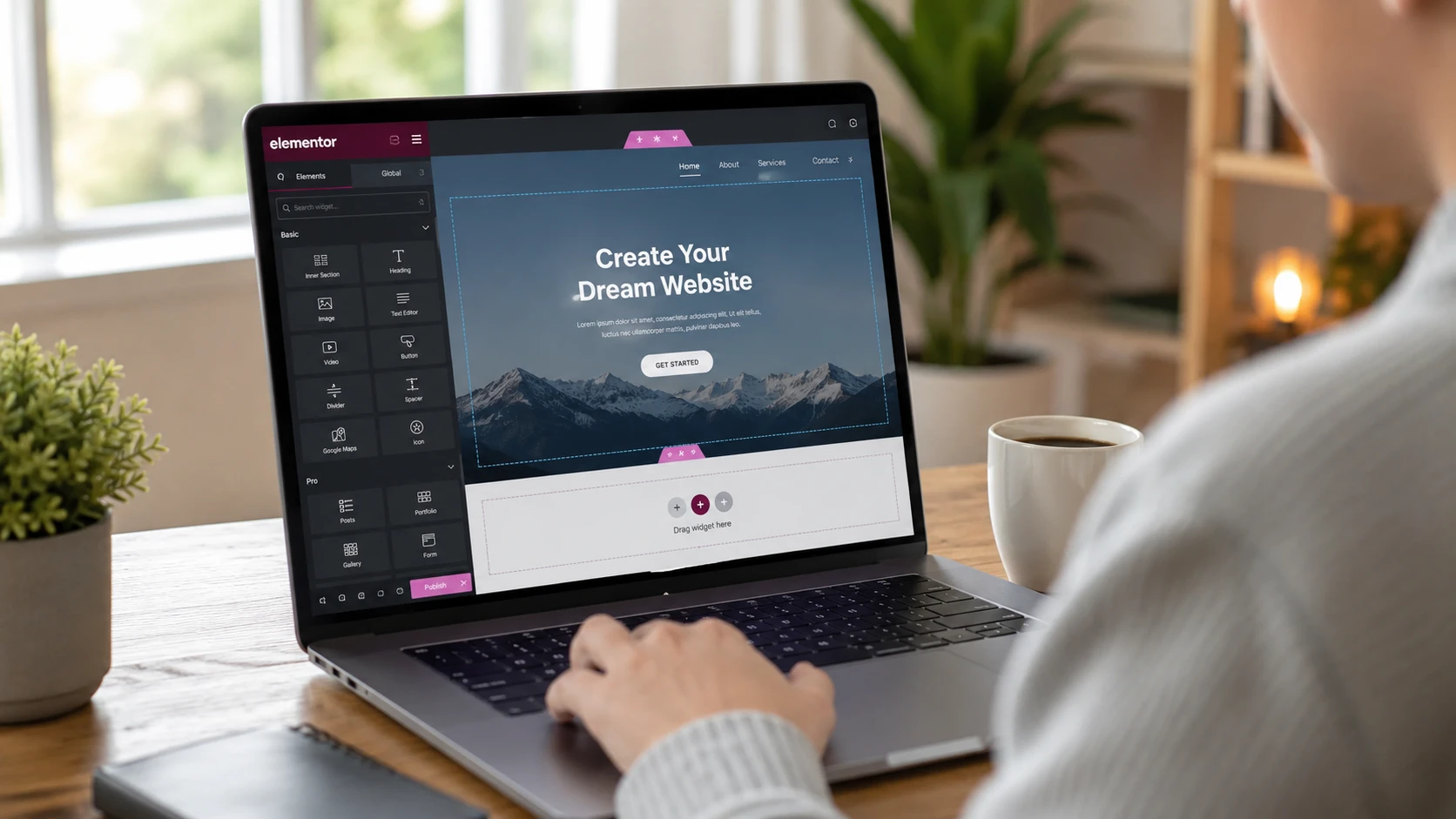
As always, YouTube and Google came to my rescue, and that is when I discovered a website-building tool called Elementor. Honestly, it made my life much easier. After installing the plugin, I slowly started understanding its tools and features, which were going to help me build my very first website.
Here is my review of Elementor in 2026.
What is Elementor? (Simple Explanation)
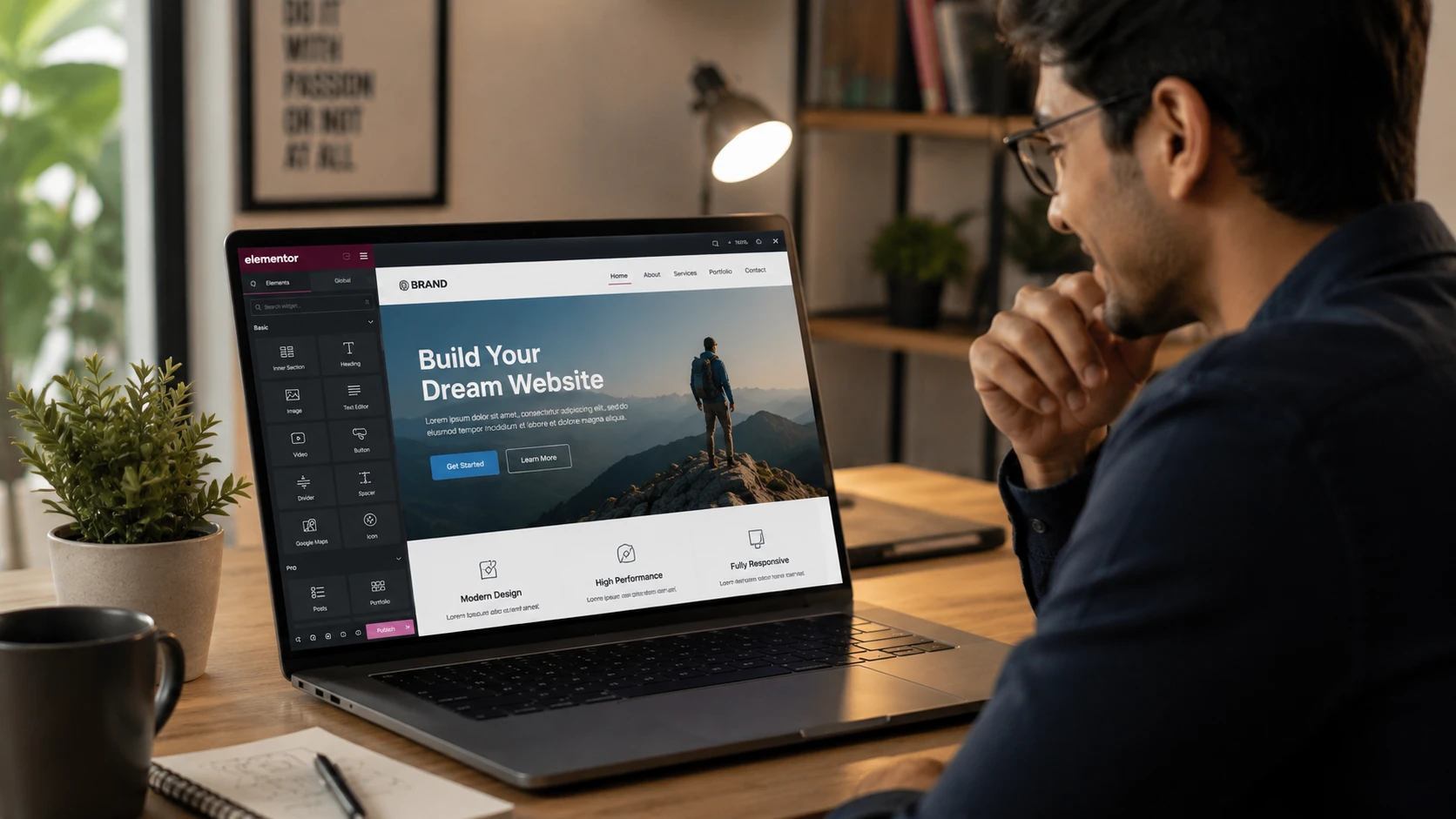
Elementor is a website-building tool that allows people to build websites using drag-and-drop functionality.
Unlike the old days when website developers needed advanced coding skills to build almost anything, Elementor has made website design much easier for beginners. With its drag-and-drop system, many types of websites can now be created visually without writing code.
One thing I really liked about Elementor was how easy it became to design attractive-looking pages. You do not need to be an expert to start using it. In fact, one of the biggest reasons I enjoyed learning Elementor was because it gave me the confidence to create real website pages without touching a single line of code.
How I found Elementor
Why I Chose Elementor
Beginner-Friendly Interface
One of the first things I noticed about Elementor was its clean and beginner-friendly layout. At first, it looked slightly overwhelming, but after some practice, it became much easier to understand.
Its visual editing system helped me a lot because I could immediately see every change I was making on the screen.
Drag-and-Drop Simplicity
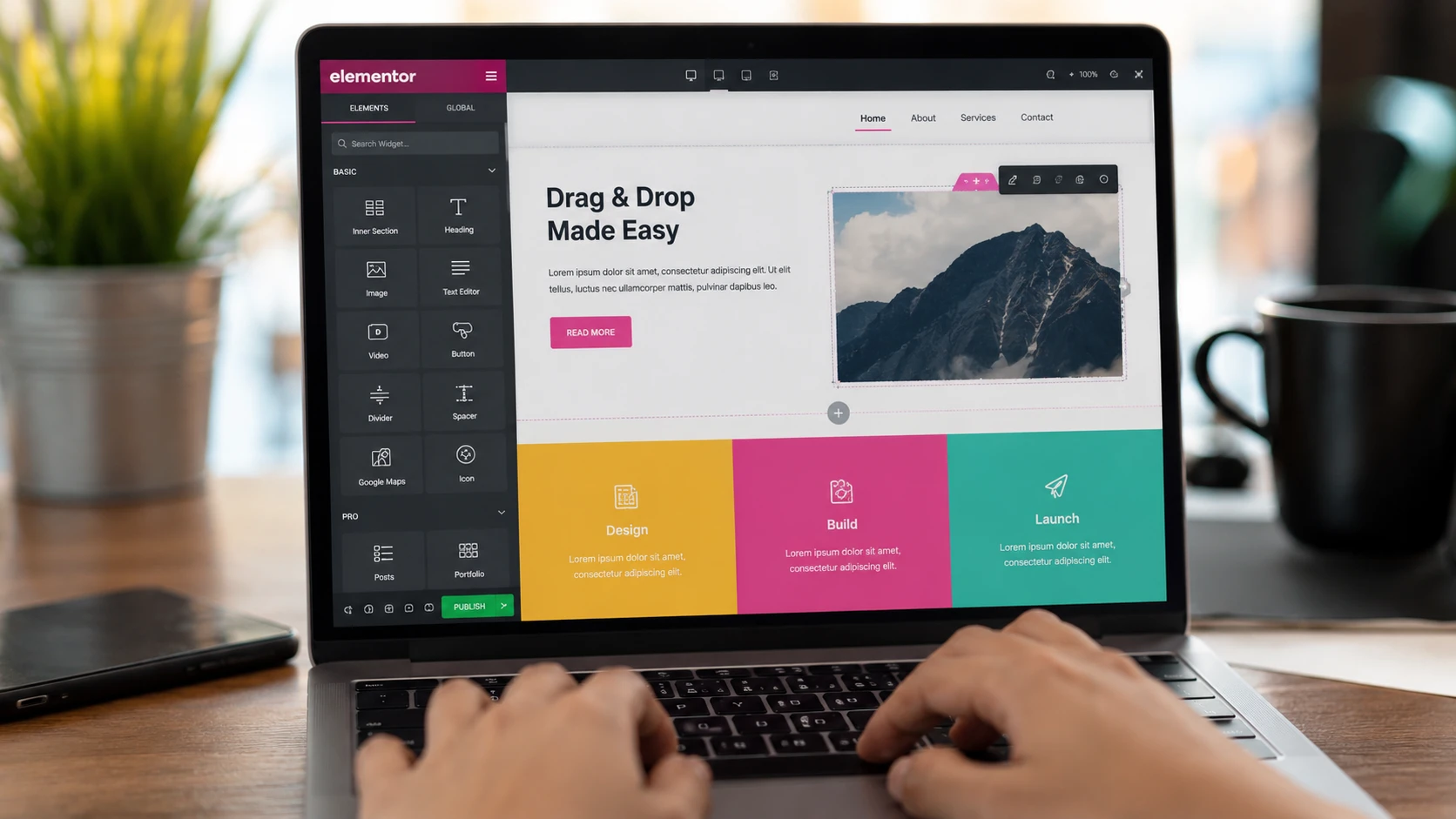
I quickly started enjoying the simplicity of the drag-and-drop system Elementor offered. It made moving sections, adding images, inserting buttons, and editing content feel much easier and more enjoyable.
Seeing everything appear live on the screen without any coding knowledge was honestly exciting and confidence-building for me.
No Coding Required
One of the biggest reasons Elementor impressed me was the fact that I could build a real website without knowing how to code.
For someone like me, who was still learning website building step by step, this was a huge confidence boost.
My First Experience Using Elementor
The first time I opened Elementor, I felt both excited and confused at the same time.
I tried to remember the tutorials I had watched earlier so I could figure out where to begin. Before long, I understood that the first step was selecting the Flexbox container.
After that, I started adding containers and widgets such as images, text, and buttons.
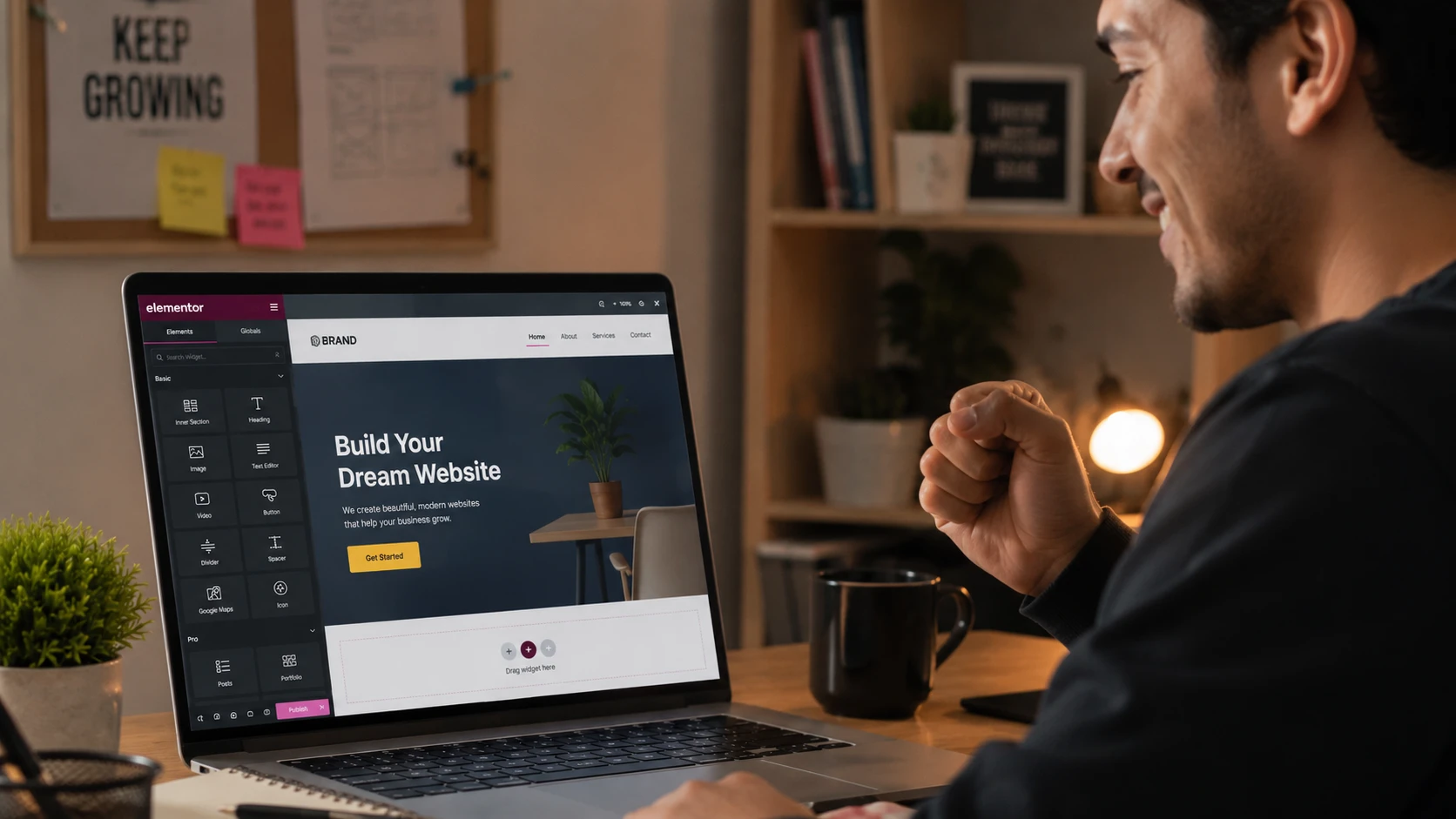
This was all part of building my very first section, and slowly but surely, I started seeing progress. Before long, my first section was visible on the screen of my laptop.
At that moment, I realised something important: I could actually do this.
The design that only existed in my imagination before had suddenly become real and visible in front of me. Honestly, I was over the moon.
Things I Found Easy as a Beginner
Whenever we learn something new, there are always parts that feel easy and others that feel difficult. Thankfully, Elementor had several things that felt beginner-friendly to me.
I found it quite easy to add and edit text, whether it was a heading using the Heading widget or a long paragraph using the Text Editor widget.
Changing colours was also simple and enjoyable. I liked the fact that I could instantly see the changes happening live on the screen.
After working with text, the next step was adding images to my website. I already had some images saved on my laptop, so I uploaded them to the WordPress media library, where website media files are stored.
I then dragged the Image widget into my section, which allowed me to either select an image from the media library or upload a new one directly from my laptop. Since I had not uploaded any images yet, I chose the upload option, and the process went smoothly.
Another thing I liked was the availability of ready-made templates. Some templates are free, while others are only available in the paid version. Personally, I built my website using the free version, and honestly, I found it more than enough for building a fully functional beginner website.
I also discovered templates for full pages, blocks, sections, headers, and footers.
One of the most enjoyable parts for me was creating buttons. I really enjoyed dragging the button widget into my section, adding text, changing colours, adjusting the border radius, adding hover effects, and finally linking the button to another page or website.
It was a surprisingly enjoyable experience.
Things That Confused Me at First
Now comes the harder part.
Whenever we learn a new skill, some things naturally feel more difficult than others. Learning Elementor was no different for me.
One of the first confusing things I encountered was understanding margin and padding.
At first, those terms sounded complicated. Later, I learned that margin is the space outside an element, while padding is the space inside it.
It definitely took practice before I started understanding how to use these settings properly.
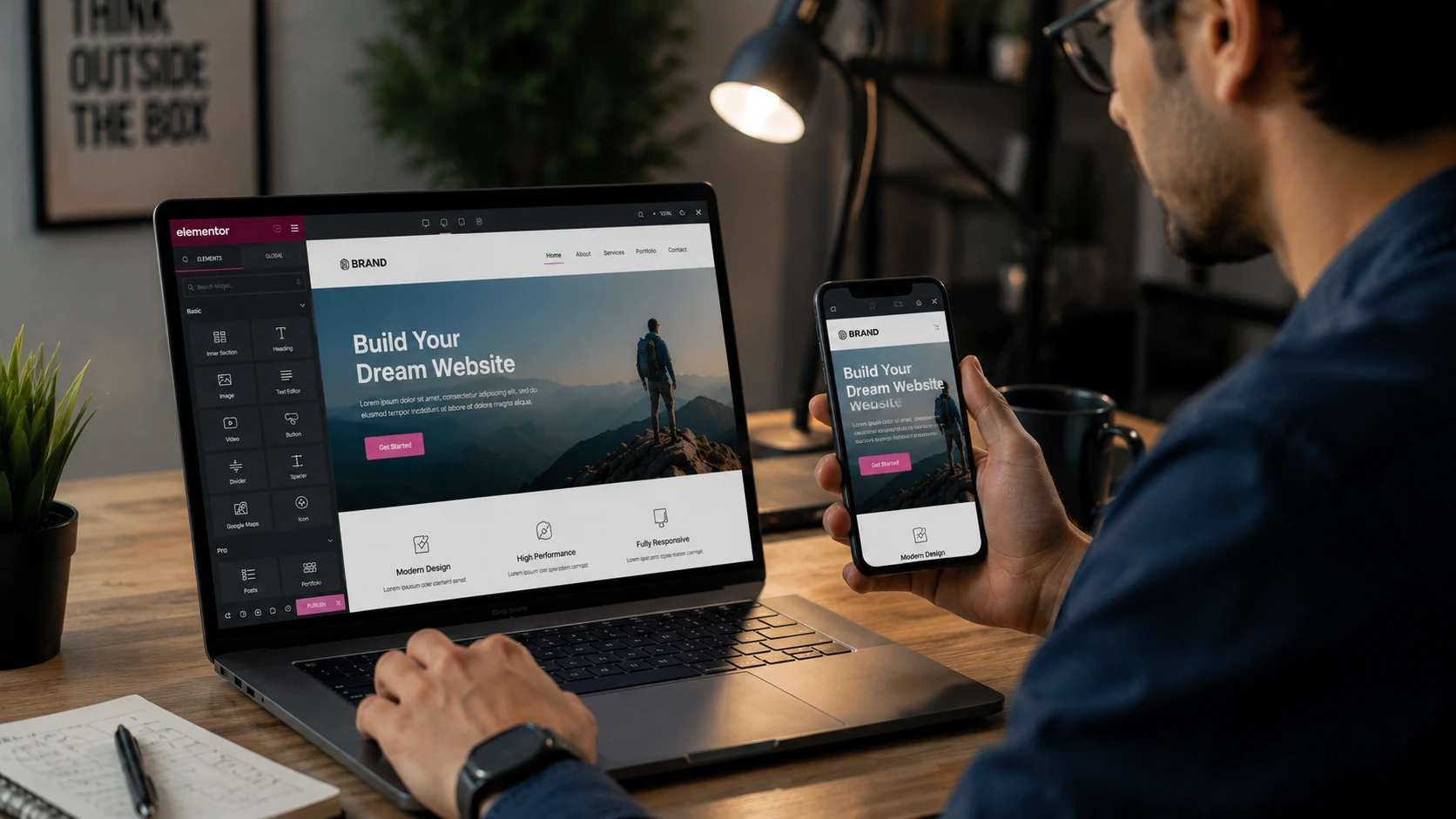
My biggest challenge, however, was mobile responsiveness. Honestly, responsive mode really gave me a hard time in the beginning. Making the website look correct on desktop was one thing, but adjusting everything properly for mobile screens required patience and practice.
Another thing that confused me was the difference between containers and sections. Even now, I am still learning more about them.
What helped me understand containers better was realising that they control how widgets move and align, either vertically or horizontally, depending on the layout settings you choose.
Spacing was another thing that troubled me initially, but once I understood how to adjust spacing correctly, things became much easier.
I also struggled a little while creating the header and footer sections of my website. However, I kept practising and eventually managed to build both successfully. Seeing them appear properly across all pages of my website made the effort feel completely worth it.
How Elementor Helped Me Build My First Website
As I became more involved in designing my website, I sometimes forgot that I was still a beginner learning website building step by step.
I cannot say that I became an expert designer overnight, but I can honestly say that the results made me proud of myself.
For the first time, I could see something I had created with my own effort appearing professionally designed in front of me. That feeling pushed me to keep learning more.
Eventually, I became confident enough to show my work to people whose opinions I trusted. I wanted honest feedback, and thankfully, their reactions were encouraging and motivating.
That encouragement gave me even more confidence to continue improving.
Free vs Pro: My Thoughts
The free version of Elementor is already very powerful, especially for beginners.
In fact, I was able to build and publish my website using only the free version.
However, the paid version does include more advanced features, and in some cases, it can reduce the need for installing too many extra plugins. Although many plugins are free, using too many of them can sometimes affect website speed and performance.
Still, for beginners who are just starting their website-building journey, I honestly believe the free version is more than enough to design, build, and publish a good-looking website.
Is Elementor Good for Beginners?
Yes, absolutely.
In my opinion, Elementor is very beginner-friendly, especially for visual learners.
Because it uses a drag-and-drop system, you do not need coding skills to start building websites.
However, practice is still important. Like any skill, the more time you spend learning and experimenting, the easier it becomes.
What I Like Most About Elementor
There are many things I enjoy about Elementor.
One of my favourite features is visual editing. It is very satisfying to watch changes happen live while designing a page.
I also like the speed at which work can be done. Even as a beginner, I found myself building pages much faster than I expected.
Another thing I enjoy is the flexibility Elementor offers. Adjusting colours, sizes, spacing, widgets, and layouts feels simple and creative at the same time.
Things Elementor Could Improve
Although Elementor is beginner-friendly, I still think some parts can feel overwhelming at first.
There are many settings, widgets, and design options available, which may confuse some new users initially. However, I personally found that the more I practised, the easier those tools became to understand.
In my opinion, the area that requires the most practice is mobile responsiveness. Adjusting layouts correctly for mobile screens takes time, patience, and experimentation before you start feeling comfortable with it.
Would I Recommend Elementor?
Yes, definitely.
I would recommend Elementor to anyone interested in building a website or even considering a career in website design.
It is especially useful for people who do not have coding knowledge but still want to create professional-looking websites.
I also believe that small business owners can use Elementor to create their own websites without needing advanced technical skills.
Final Thoughts
Elementor is a great tool to learn, especially for beginners who want to start building websites visually.
At first, things may feel confusing and overwhelming, but with practice, everything slowly starts making more sense.
Learning takes time, and sometimes we forget that every skilled person was once a beginner, too.
So, take your time, stay consistent, keep practising, and do not quit too early.
With patience and dedication, you may eventually surprise yourself with what you are capable of creating.
Click below to read about my selection of hosting.
Great content! Keep up the good work!
Thank you! I’m glad you enjoyed the article. I really appreciate your encouragement.